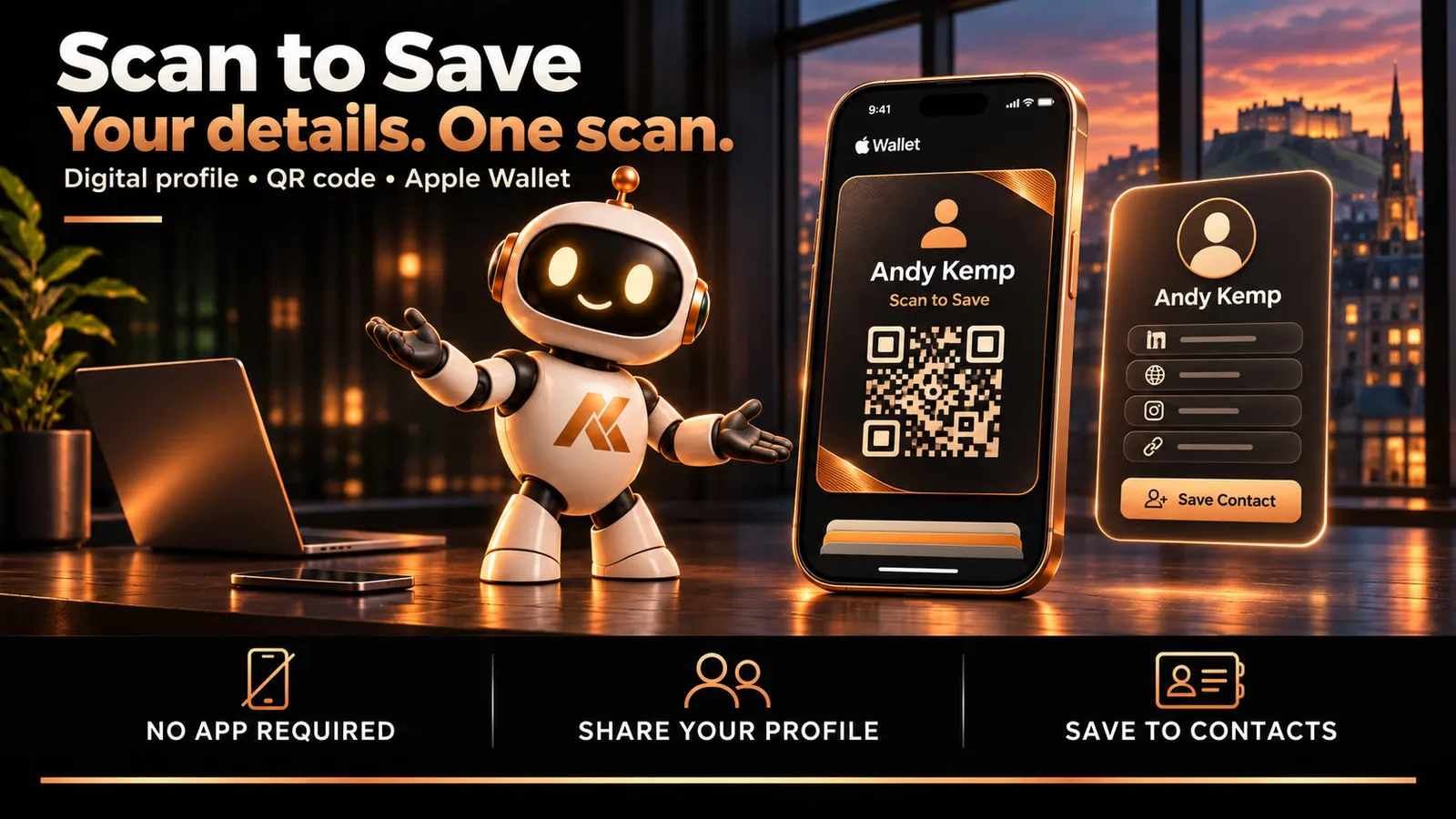
For a while now I’ve had a page on my site that only I use. It lives on my phone as an app, and it shows a QR code.
When someone asks how to keep in touch, I open it and they scan it. Their phone shows my details and offers to save me as a contact: name, job, company, email, phone, photo and links, in their contacts, where they’ll find me next time they need me.
It works far better than spelling out an email address over the noise at an event.
When I got an Apple Developer account, I turned it into an Apple Wallet card, so the QR code is always in my Wallet, ready to show.
Then the obvious question: why have I got one of these and nobody else has?
So I built it properly, for other people.
Scan to Save
Scan to Save is a digital business card. You build your card once. People scan your QR code, see your card, and tap Save contact. You’re in their phone, with your photo and every link that matters.
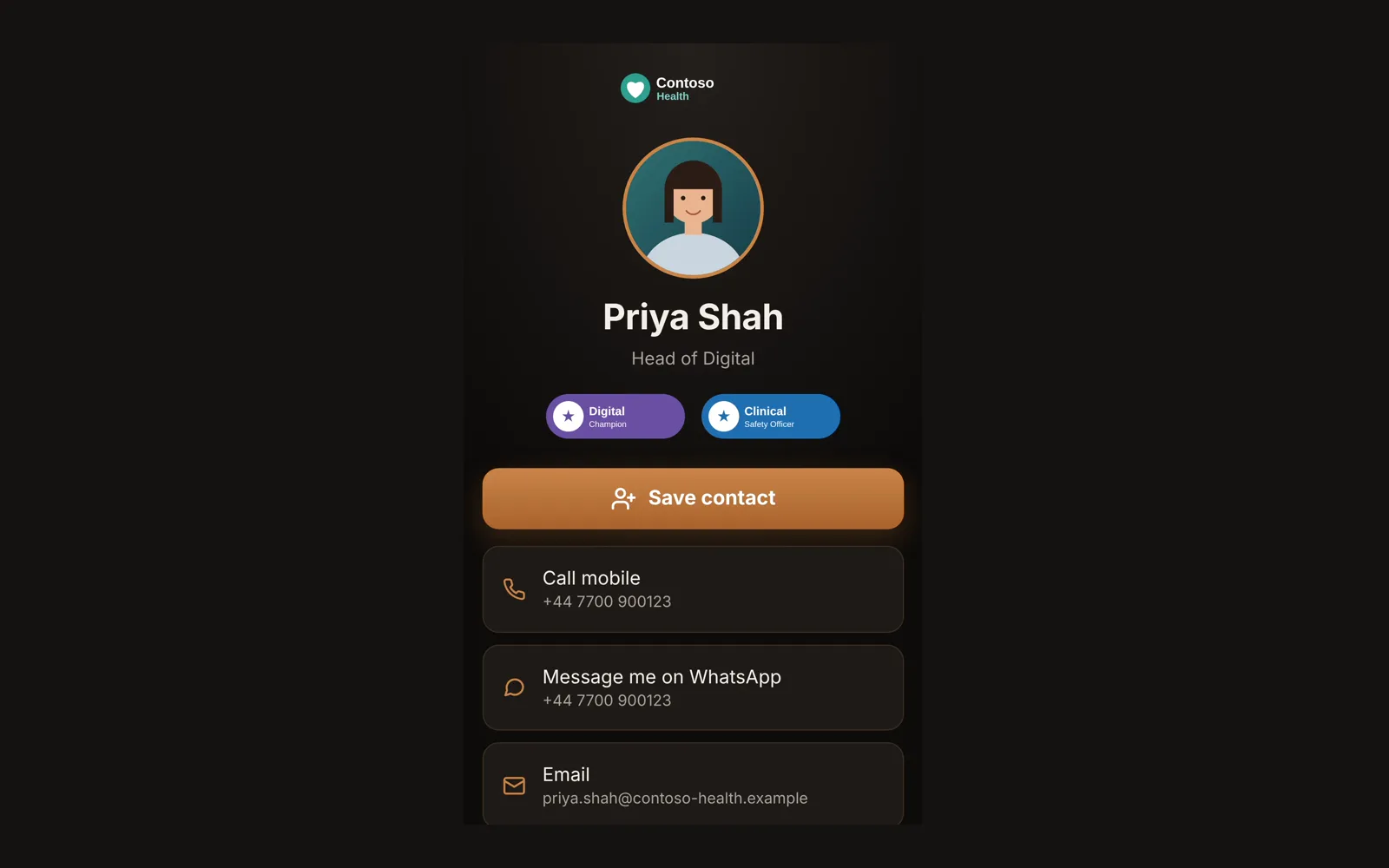
It’s an Andy Kemp Consulting tool, it’s free, and it’s in early access: you sign in with your free Andy Kemp account and request a place.
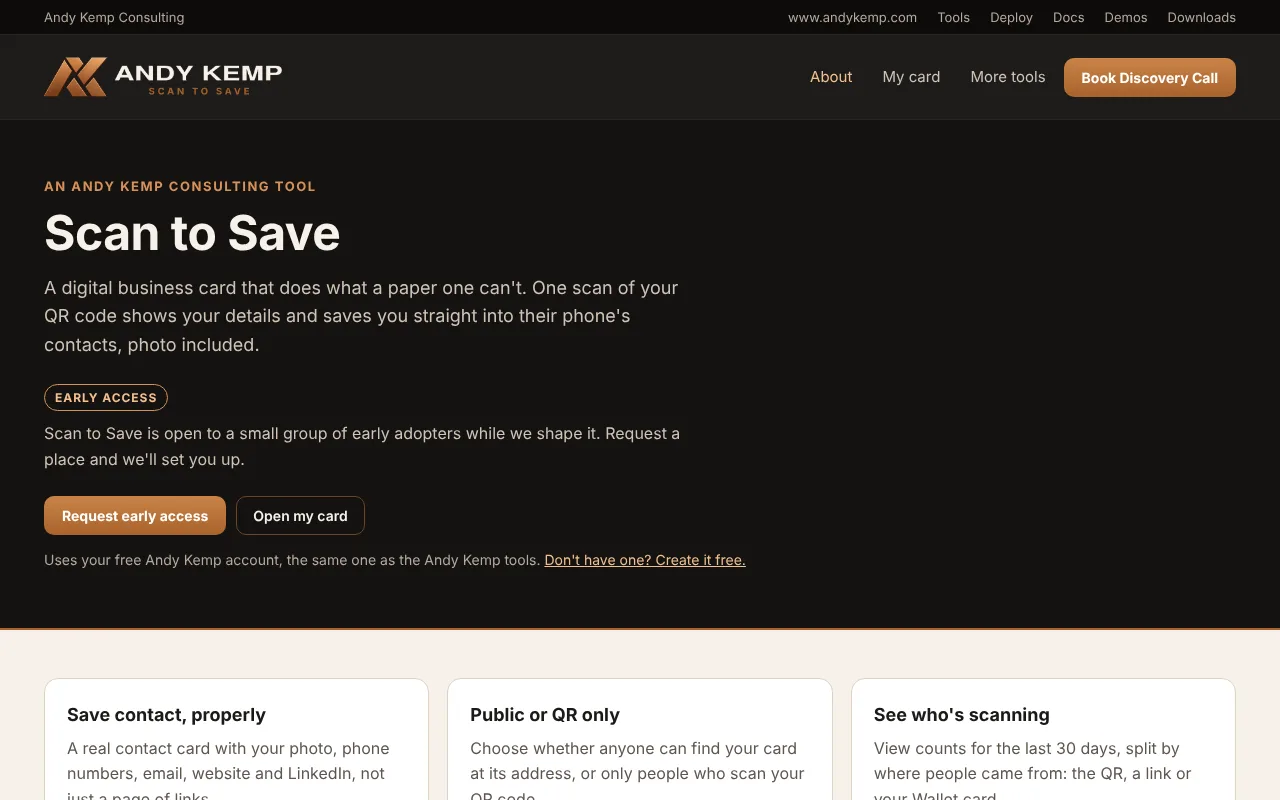
The screenshots here use a made-up person at Contoso Health. You can open that card yourself on your phone and tap Save contact to see exactly what lands in your contacts.
Why not a link page?
I replaced my old link page with a page on my own site a while ago. Link pages are good at one thing: showing people where else to find you. But they live in a browser tab, and browser tabs get closed.
A contact stays. When someone searches their phone for “Contoso” or your first name three months later, you’re there, with your photo, so they remember the face from the event.
That’s the whole idea. Scan to Save does the link page too, but the button that matters is Save contact.
What goes on your card
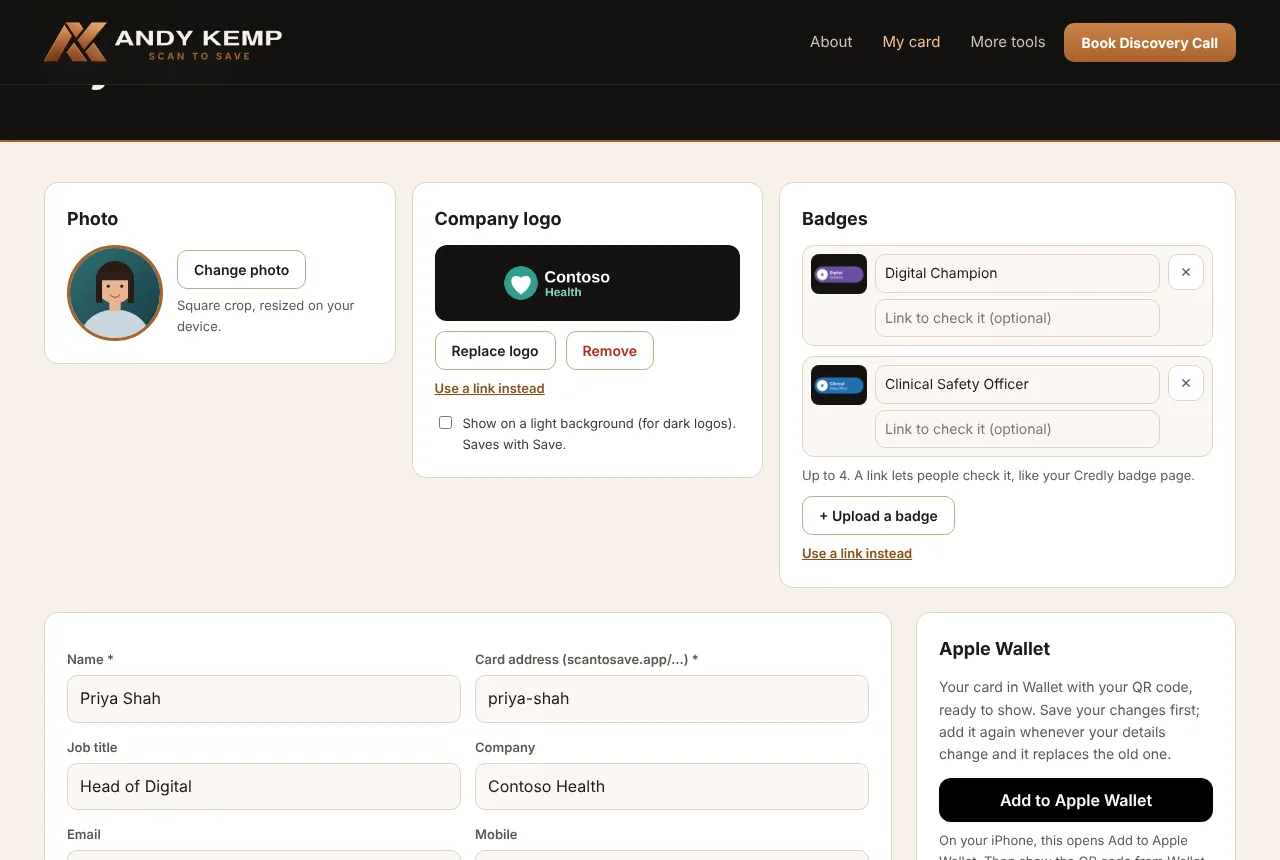
Everything is on one page, My card:
- Your photo, cropped and resized on your device before it’s uploaded
- Your company logo at the top of the card. Upload it, or paste a link to the logo on your company’s website. No logo, and the top stays clear
- Up to four badges under your name: certifications, awards, memberships. Each one can link to where people can check it, such as your Credly badge page
- Your details: job title, company, email, mobile, office phone, website and a short bio
- A “Message me on WhatsApp” button, if you want one
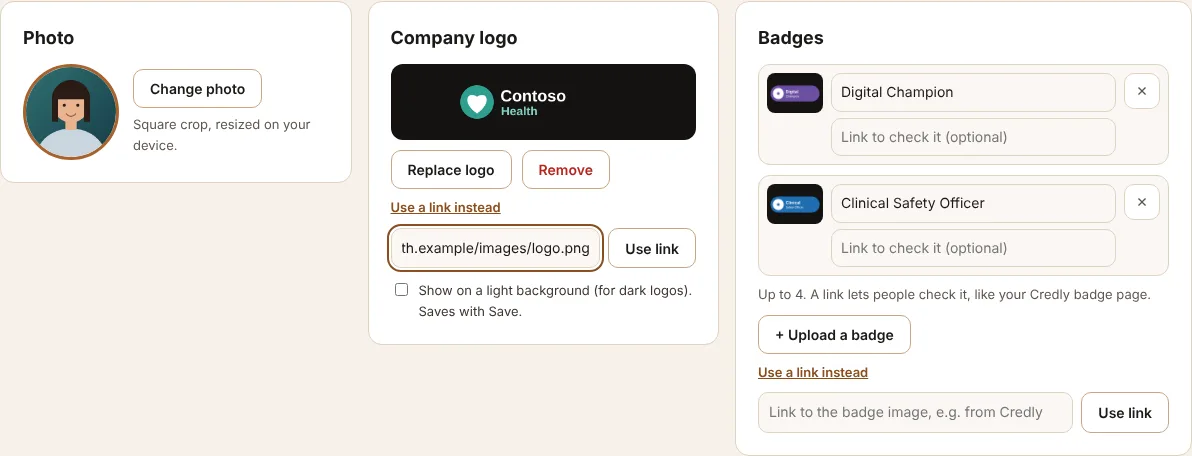
If your logo is already on your company’s website, or your badges are on Credly, Use a link instead: paste the address of the image and Scan to Save fetches it for you.
Links for work, and away from work
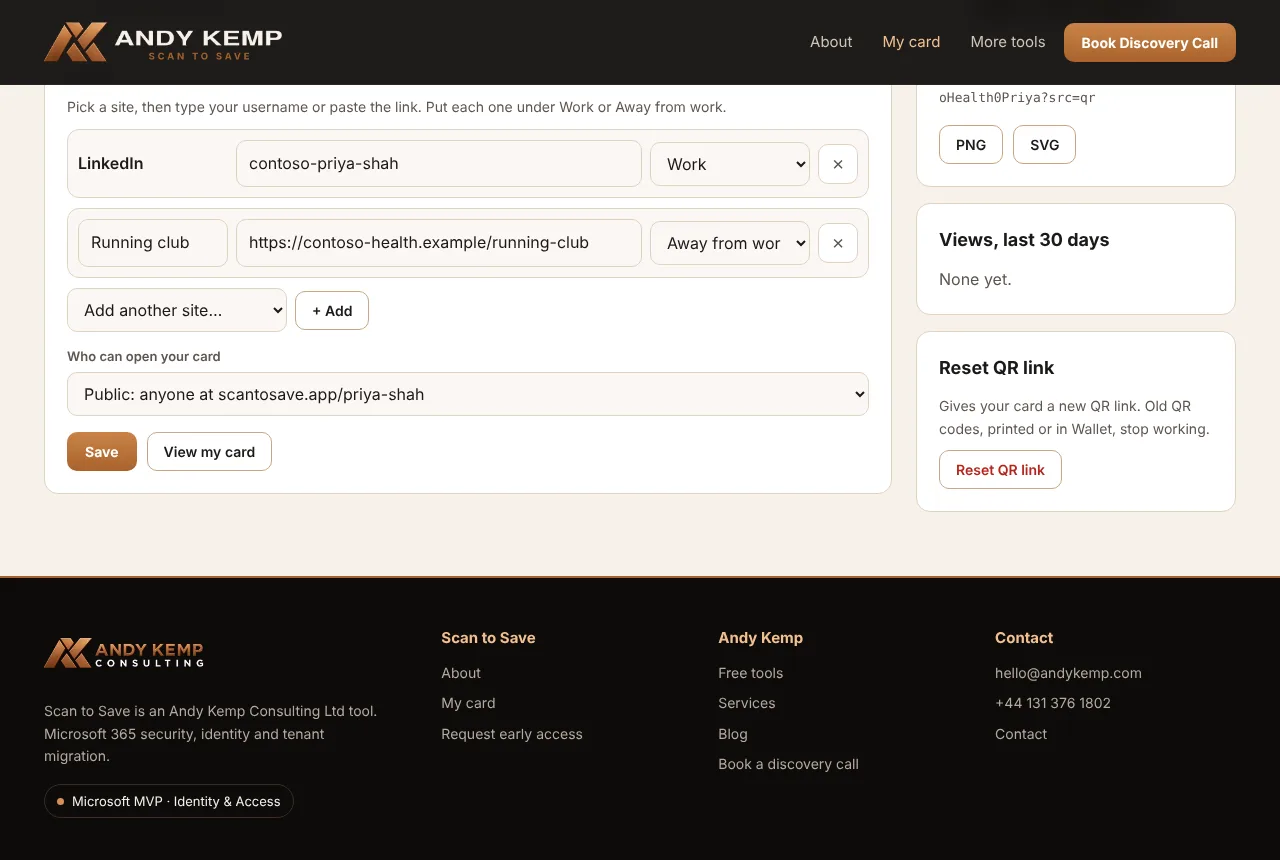
Pick a site from the list (LinkedIn, GitHub, YouTube, Instagram, Strava and plenty more), then type your username or paste the link. Either works.
Each link goes under Work or Away from work, and the card keeps them apart. Your LinkedIn and your blog at the top; your running club or photography further down, for the people who want to know you a bit better.
What people get when they save you
This is the part I cared most about getting right.
Save contact gives people a standard contact card that iPhone, Android and Outlook all open. It has your name, job title, company, email, phone numbers and photo.
Every link is saved as its full web address with its name: “LinkedIn” with https://www.linkedin.com/in/…, “Facebook” with https://www.facebook.com/…. My first version saved them the way phones usually expect social profiles, and iPhone showed something like “facebook: andrewgkemp” that you couldn’t tap. Now every link opens.
Share it however you meet people
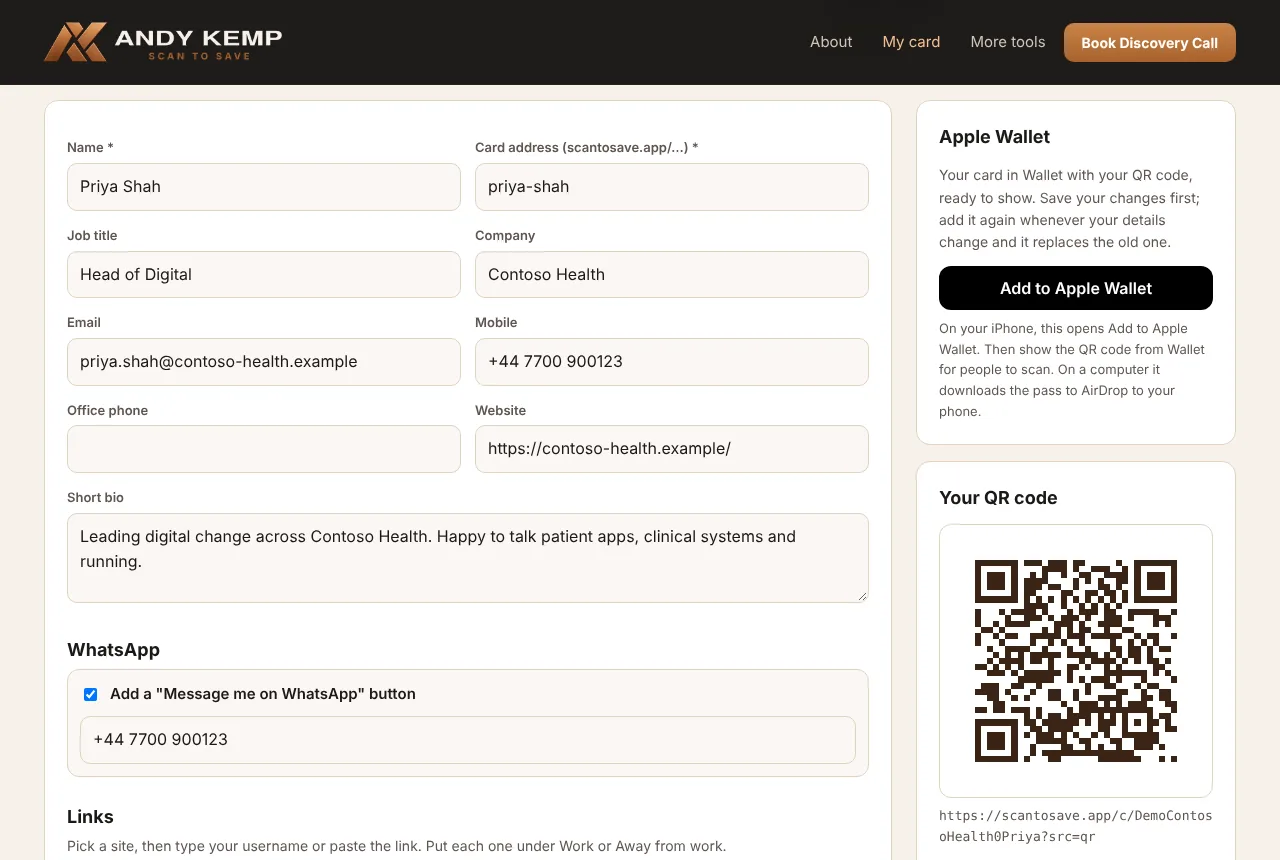
- Your QR code, as PNG for slides and email signatures, or SVG for printing at any size
- Apple Wallet: your card in Wallet with the QR code on the front, ready to show across a table without hunting for a page
- Public or QR only: a public address at scantosave.app/your-name, or a card that only your QR code opens. QR only is the default
- Views: how many people opened your card in the last 30 days, and whether they came from the QR code, Wallet or your link
- Reset your QR link: if your QR code ends up somewhere it shouldn’t, give your card a new one and the old one stops working
Your card, your data
Scan to Save holds other people’s personal details, so I’ve treated it the way I’d want a client to treat it.
- You choose what goes on your card and who can open it
- People who scan your card aren’t tracked. No cookies on cards, no IP addresses stored. A view records when, how (QR, Wallet or link) and the country, and views are deleted after 90 days
- Delete my card removes your card, pictures, Wallet pass and views straight away
- It runs on Cloudflare, and sign-in is the same free Andy Kemp account as my other tools
The privacy notice is written in plain English and says exactly what’s kept, why, and for how long.
Why early access?
I’d rather grow it carefully than open the doors and find out what breaks.
Every request is approved by Andy Kemp Consulting, which keeps out spam and lets me hear from the first people using it. If something doesn’t work the way you’d expect, I want to know.
Getting it
It’s free.
- Watch the demo, or open the demo card on your phone
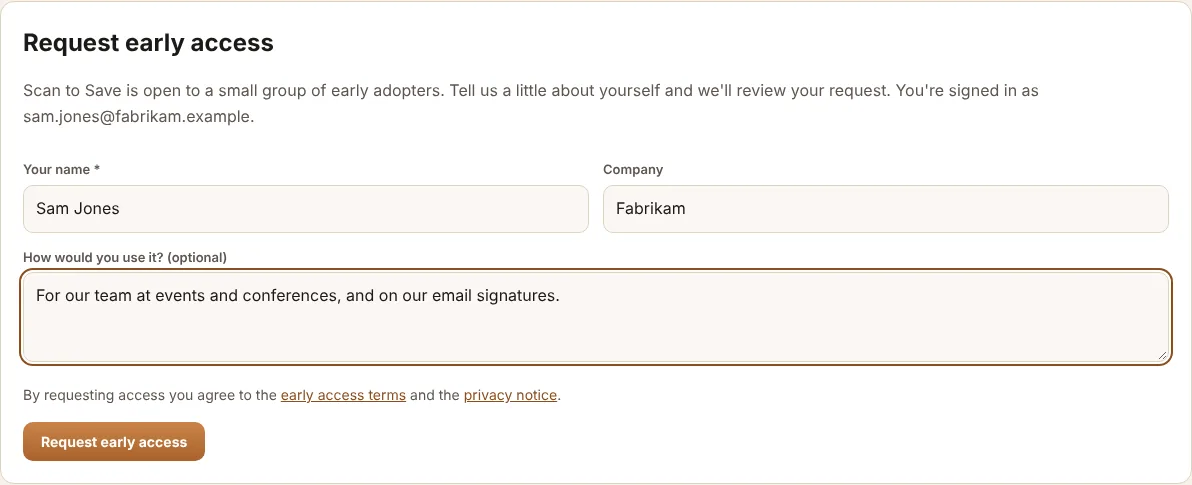
- Request early access with your free Andy Kemp account. If you haven’t got one, create it here
- Once you’re approved, build your card and download your QR code
The docs cover building your card, sharing it, privacy and troubleshooting.
Want cards for a whole team, with everyone’s details kept in step with Microsoft Entra ID? Talk to me.
See you at the next event. Scan my card.


Comments
No comments yet — be the first to leave one below.
Published — it will appear for everyone in a couple of minutes once the site updates.