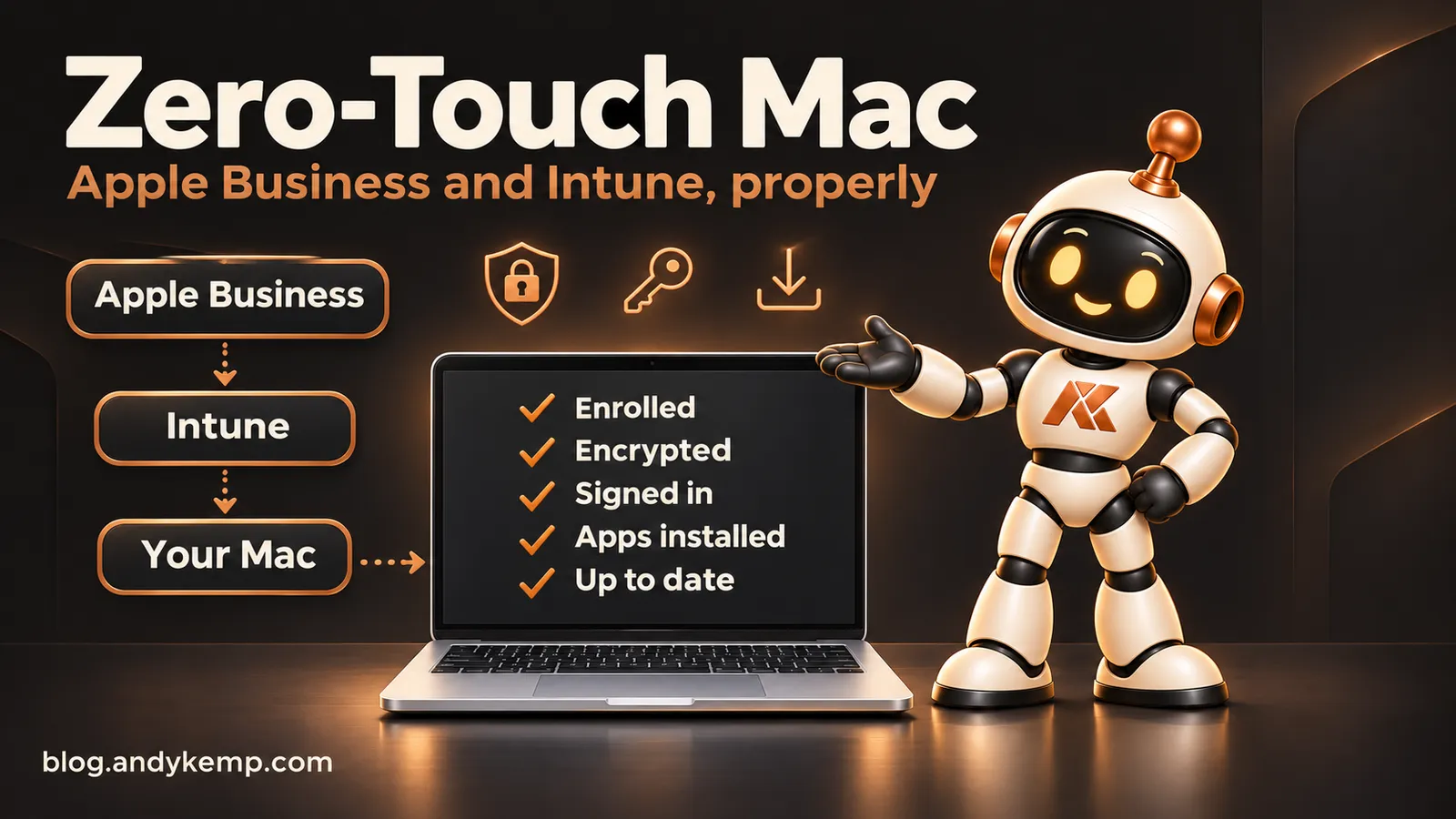
Zero-Touch Mac: Apple Business and Intune, Properly
Building a managed Mac from Apple Business and Intune with every policy, profile and app scripted through Microsoft Graph, including everything that went wrong.
Zero-Touch Mac
Apple Business and Intune, properly
A new company MacBook Pro that enrols itself, encrypts itself, installs its security agents and apps, and keeps itself patched, with every policy, profile and app created by PowerShell through Microsoft Graph.
This series is how I built it for my own Mac, and everything that went wrong on the way: the Mac I had to erase, the password that wouldn't sync, the apps that arrived "damaged" and the installer that killed itself.
Who it's for
- Intune admins adding Macs to a Windows-first tenant
- Consultants who want Mac deployment scripted and repeatable
- Anyone working towards Cyber Essentials with Macs in scope
What you'll find in each post
- What I set up, and the order to do it in
- The script that does it, with a dry run before it changes anything
- What broke, how I found out why, and the fix
The series
| Part | Post |
|---|---|
| 0 | Zero-Touch My Own Mac, Properly |
| 1 | The Prep: Everything I Built Before the Mac Arrived |
| 2 | Apple Business, and How I Got It Wrong |
| 3 | Platform SSO and the Password That Wouldn't Sync |
| 4 | Security Agents With No Prompts: Defender and Global Secure Access |
| 5 | Deploying Mac Apps Through Graph |
| 6 | "Downloaded From the Internet": Quarantine, App Translocation and Parallels |
| 7 | App Store Apps, Adobe and Other Awkward Installers |
| 8 | When It Isn't an App: Developer Tools and PowerShell Modules |
| 9 | Keeping the Mac Patched for Cyber Essentials |
| 10 | Turning It Into a Toolkit |
New parts publish on Mondays, Wednesdays and Fridays from 23 November to 16 December 2026.
Articles in this series
- Introduction Zero-Touch My Own Mac, Properly
- Part 1 The Prep: Everything I Built Before the Mac Arrived Coming soon
- Part 2 Apple Business, and How I Got It Wrong Coming soon
- Part 3 Platform SSO and the Password That Wouldn’t Sync Coming soon
- Part 4 Security Agents With No Prompts: Defender and Global Secure Access Coming soon
- Part 5 Deploying Mac Apps Through Graph Coming soon
- Part 6 “Downloaded From the Internet”: Quarantine, App Translocation and Parallels Coming soon
- Part 7 App Store Apps, Adobe and Other Awkward Installers Coming soon
- Part 8 When It Isn’t an App: Developer Tools and PowerShell Modules Coming soon
- Part 9 Keeping the Mac Patched for Cyber Essentials Coming soon
- Part 10 Turning It Into a Toolkit Coming soon
Get notified about new posts
Drop your email in and I'll let you know when there's something new — from the whole blog, or just Zero-Touch Mac: Apple Business and Intune, Properly.